
Package parsing
After uploading an APK or IPA, check its name, package ID, version and icon, then add a description.
Host Android and iOS packages and manage versions, download pages and distribution records. Share links, QR codes or app collections, with pay-as-you-go or monthly distribution.
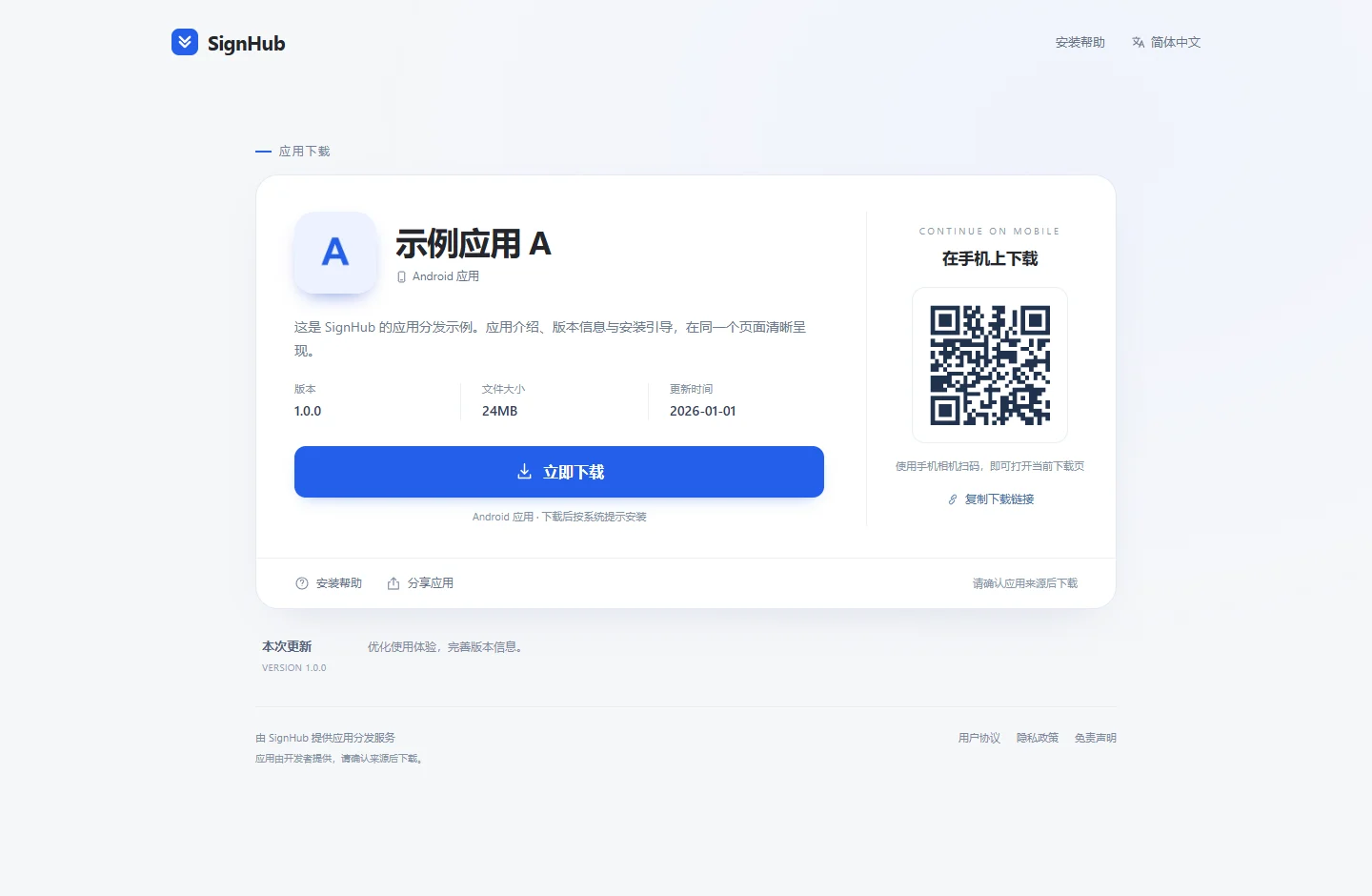
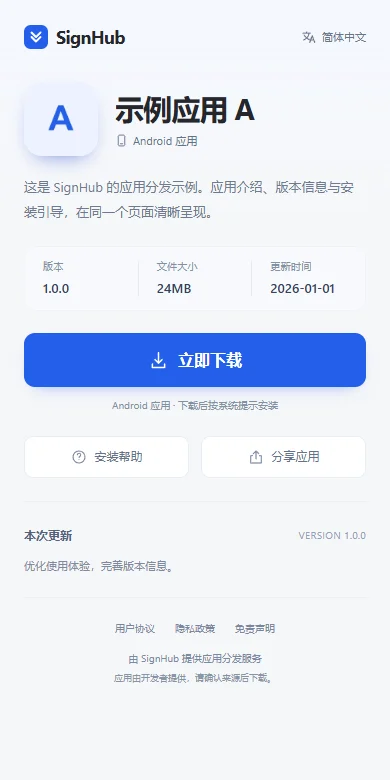
Packages, page content and download records are organized by app. Keep managing new versions within the same app.
After uploading an APK or IPA, check its name, package ID, version and icon, then add a description.
Updates publish immediately by default, or can be staged or scheduled. The previous package remains available until publication. Updates may use the same version number.
Show app details, version information and device guidance, with mobile links and desktop QR codes.
Organize multiple apps on one page. Visitors select an app to open its download page.
Control downloads for iOS, Android and other platforms separately, with one-time or recurring enable/disable schedules.
Review pay-as-you-go and monthly download records separately and reconcile charges on their billing pages.
Explore download pages, app collections and the management console.
App details, version information and device guidance in one place.
Choose the workflow that fits your business.
Upload a package, review its version details and share the download page. Manage future updates in the same app.
Add apps or platform versions to a collection and share one selection link.
Configure app descriptions and distribution status, then check desktop QR and mobile layouts.
Prepare the required information, then verify actual access after setup.
Prepare an APK or IPA and an app description. IPA files must meet the required signing and installation conditions.
Check pay-as-you-go rates or monthly plans, including routes, quotas and service periods.
Upload the package, review parsed details and configure the download page and availability.
Check the page, QR code and device guidance on a computer and target phone before sharing.
Manage future versions and review usage in download records and billing details.
Pay-as-you-go and monthly distribution are managed separately. Check the download rules or service period, then the price applicable to your account.
What to know about setup, usage and billing.
This service description covers Android APK and iOS IPA files. Check the format and app details first. iOS apps must meet the required signing and installation conditions; hosting does not provide signing.
Updating within an existing app lets you maintain its distribution entry. Changes to the package ID or app identity remain subject to upload checks. Recheck the destination page before sharing.
A collection brings app links together. Selecting an app opens its original download page, where visitors follow device-specific instructions. A collection is not a separate installation channel.
Check that the package matches the target OS, then review signing, version, device requirements and page messages. The browser provides a download entry; the OS performs installation. See the help center for troubleshooting.
No. A normal web page cannot confirm that the system downloader finished, that installation succeeded or that the app opened. Statistics reflect the recorded business events. Client activity requires its own data integration.
Pay-as-you-go charges follow the applicable download rules. Monthly distribution covers a service period; check the plan, routes, quota and expiry. Default prices appear under Pricing & billing. Confirm individual rates with support; the renewal dialog shows the final monthly amount.